
How to Search Cases by Name
Start your case search at Wisconsin Circuit Court Access. It is the free statewide tool known as WCCA. It handles the public side of an Ashland County case lookup. Criminal and civil cases are there. Family, probate, small claims, traffic, and other Circuit Court types are there too. Ashland County builds no separate case portal of its own. As a general visitor, use the public WCCA path instead of an eCourts login.
- Open the Wisconsin courts case-search gateway and select Circuit Court Access.
- Enter the person's last and first name or a business name. Use the spelling likely to appear in the caption.
- Choose Ashland County in Advanced Search, then add the case type, class, filing date, attorney, or status only as needed.
- Compare each result's caption, case number, county, filing date, type, and status. A matching name alone does not identify the right case.
- Open the case-information view and read the header, parties, chronological register, settings, documents, and disposition fields that are public.
The application publishes no fixed wildcard or minimum-character rule. Don't assume one. Start with the most accurate name you have, then widen or tighten the query with whatever controls the live WCCA form offers.
| Field Label | Type | Required | Use |
|---|---|---|---|
| Last name | Text | Search strategy | Primary individual-name field in advanced searching. |
| First name | Text | Optional | Narrows people with a shared surname. |
| Business name | Text | Optional | Finds an organization named in the case caption. |
| County | Selector | Optional filter | Choose Ashland to isolate local Circuit Court results. |
| Case type or class | Selector | Optional | Narrows criminal, civil, family, probate, small-claims, or other results. |
| Filing date or status | Date/selector | Optional | Reduces a broad set without changing the name. |
Ashland County Case Search Routes
WCCA splits its tools into three paths. Ordinary case search fits a known name or case number. Advanced Search adds Ashland County and other filters. Judgment Search serves judgment and lien research. But Judgment Search is a lead. It is no substitute for the underlying case or a clerk-certified judgment.
The advanced WCCA route lets you focus an Ashland County case lookup. It works with county and case details. The live fields govern what you can set. Add filters one at a time. A shaky date or wrong class choice can bury the case you want.
How to Search by Case Number
A full case number is your strongest key. Wisconsin numbers carry the filing year, a case-type code, and a sequence. Official help offers compressed forms. One example is 04CF1, a 2004 felony. Appellate numbers such as 25AP1 also appear. Formatting and zero padding vary. So copy the number exactly from a notice, order, citation, or WCCA result.
Common public type codes include CF for felony criminal. Others are CM for misdemeanor criminal, CV for civil, FA for family, SC for small claims, and PR for probate. Trust the type WCCA displays. A code names the category, never the outcome. If the exact search fails, match the live form's displayed format. Then add Ashland County. Don't guess a different code from the nature of the dispute.
Ashland County Common-Name Checks
A common name demands a caption check. Two people can share one name. One person can hold different roles across cases. Verify Ashland County, the full case number, filing year, case type, party role, and status. Public details should only pin down the specific court matter you follow. A broad match never proves identity or any outcome.
Match the case, not just the name. A reliable Ashland County case lookup ties the name to the caption, case number, county, type, and filing date.
Older cases need patience. Counties joined CCAP at different times. Historical backloading varies. A missing online result does not settle whether an older record exists. Call the Clerk of Circuit Court at 715-682-7016. Have the likely party name, year, and case type ready.
What a Case Search Shows
The public result opens as "case information," not a scanned file. Ashland County case data may include a header, parties and attorneys, a chronological register of actions, settings, document labels, financial entries where public, and a disposition. Which blocks appear depends on the case. A document name listed in the register is no guarantee its image is public.
| Case Number | The unique search and request key, including its year and type code. |
|---|---|
| Caption and Parties | The short case title and public role labels used to confirm the correct matter. |
| Case Type | The WCCA category, such as criminal, civil, family, probate, small claims, or traffic. |
| Filed Date | The date the court case began, distinct from later document and hearing dates. |
| Status | The open, closed, or disposed state shown by the portal, read with the latest events. |
| Register of Actions | The dated sequence of filings, hearings, orders, resets, judgments, and other events. |
| Documents | Names, dates, or statuses where shown; access can be public, unavailable, or restricted. |
A disposition is the recorded outcome or closing action. It is not an accusation, a filing, or a hearing. When exact terms matter, read the final order or judgment itself, and ask the clerk for a certified copy for any official use.
Ashland County Public and Registered Views
WCCA is the public case view. Wisconsin CCAP/eCourts eFiling is something else: a registered filing workspace for eligible users and cases tied to their accounts. Its My Cases area can show case information, documents, parties, filters, and filing activity. Not every filed image becomes a public document there. A status of "Submitted" can simply mean court processing is not finished.
The eCourts registered-user screen shows the login boundary.
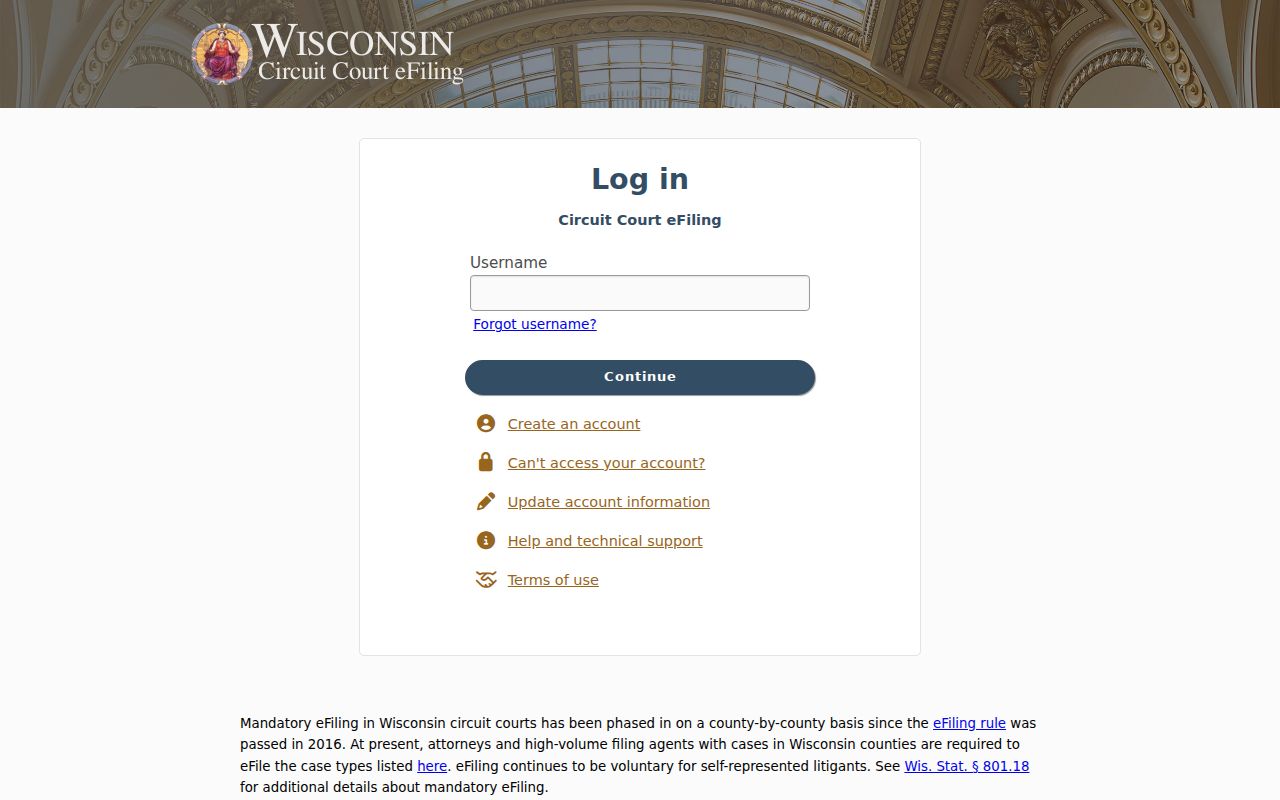
That login page explains why a general public Ashland County case search should start in WCCA rather than a filing account.
The official My Cases help shows the document and party tools authorized users get.
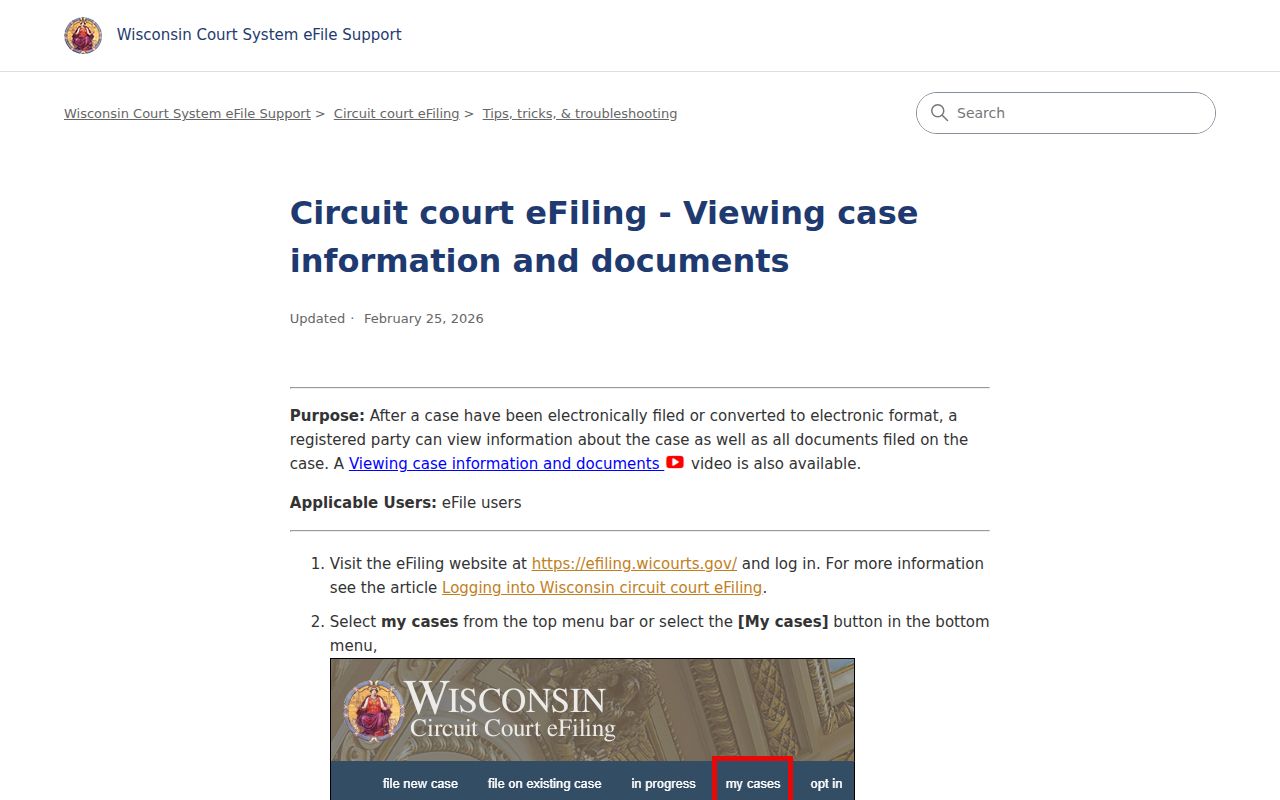
Those tools serve a party or lawyer with access. They do not replace public WCCA or the Ashland County clerk's record-request process.
County vs Statewide Case Search
Ashland County has no separate case database to weigh against WCCA. The county's role is custody, copies, local questions, and access the public portal cannot supply. WCCA gives you the statewide circuit search plus an Ashland County filter. eCourts handles registered filing access. Once a case is identified, the county SMARTFORM requests plain or certified records.
| WCCA Statewide Search | Ashland County Clerk |
|---|---|
| Free public circuit case-information lookup | Local custodian for Circuit Court files and certified copies |
| Name, case-number, county, type, class, date, and status paths | Phone, Room 307 counter, courthouse WCCA access, and online record request |
| Public header, register, setting, status, and available document data | Older, omitted, restricted, paper, plain-copy, and certification questions |
| Not a full scanned file or certified judgment | Search and copy fees may apply to a records request |
Found a court date in your search? Check it against the Ashland County court dates process before you count on that setting.
Ashland County Appeals Use WSCCA
A case decided in Ashland County circuit court does not always stay there. A losing party can appeal. Those cases move to the Wisconsin Court of Appeals, District III, with further review possible at the Wisconsin Supreme Court. That appellate court docket lives in a different system. WSCCA, not WCCA, holds the record. Official help notes one quirk. An appellate search needs at least two parameters, unless you already have the case number. The official WSCCA search help spells out the options, including party, county, attorney, status, court, district, class, and filing date.
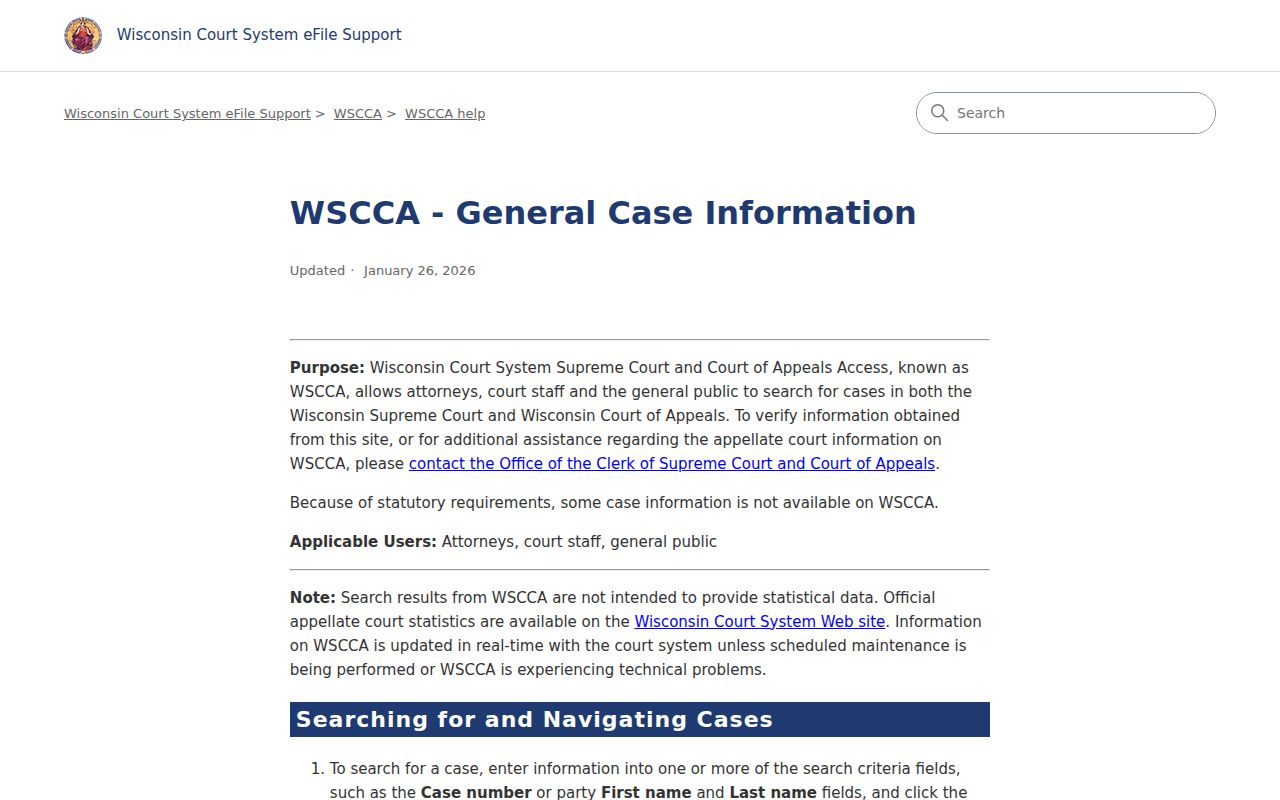
Think of the appellate layer as sitting above the local one. Hang onto both numbers: the Ashland County circuit number and the appellate case number, since related-case fields can tie them together. The WSCCA document-search help covers searches by title, text, date, case number, and district.
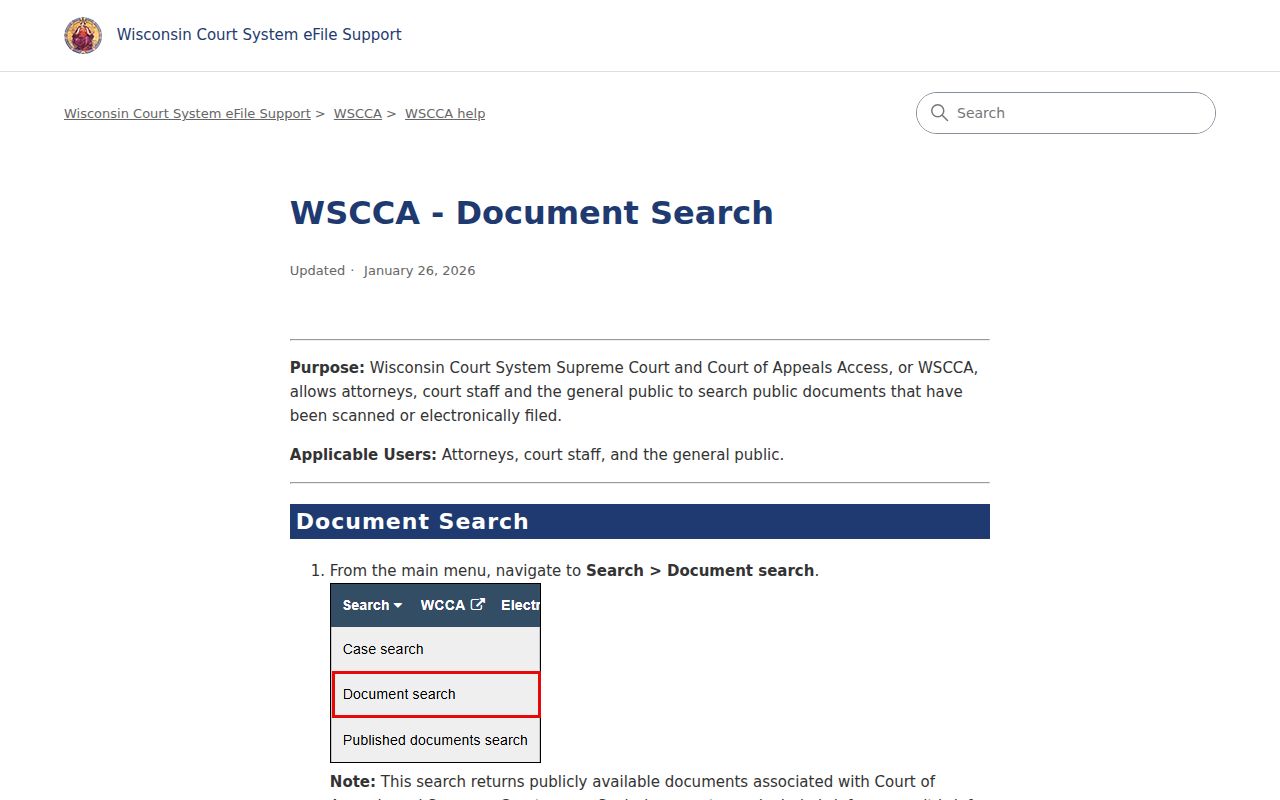
Even after a good docket search, check what you can actually open. A federal matter is a different animal entirely; it belongs in PACER or the Western District of Wisconsin system, not WSCCA.
Ashland County Missing Document Backup
Sometimes WCCA lists a filing but shows no document image. The paper may simply not be offered online. It might still be awaiting processing, or a law or court order may restrict it. Pull the exact document title and date from the public register first. Then call 715-682-7016. Stop by Room 307 during the posted 8:00 a.m. to 4:00 p.m. hours, or file the Ashland County record-request form.
The form asks who you are and how to reach you. You choose plain or certified copies. Give a party name, and you may add a case number, years, and case type. It lists no guaranteed turnaround. It also lists no separate mail, fax, email, or drop-box routine for requests. The county will quote cost and delivery details and may want prepayment. Call before relying on any channel that is not documented. Mail is spelled out for payments, not as a full records workflow.
WCCA still works as the statewide fallback. State materials say county courthouses offer public access. Ask the clerk where that terminal sits. Ashland publishes no terminal count and promises no staff-run searching.
Restricted Cases and Access Rules
Not every Ashland County case shows up in an ordinary public search. Sealed records may be missing or cut back. So may protected personal data, juvenile matters, and confidential slices of family or probate files. A case caption can stay public while one filing stays hidden. So "not visible online" never proves that nothing was filed.
The rules come from Wisconsin Statutes §801.19 through §801.21, which cover protected information and sealing. Juvenile access runs through Chapter 938, including §938.396. For juvenile or probate administration, contact the Register in Probate/Juvenile Court Clerk. Expect an access review. Filling out the county request form does not override a statute, a court rule, or a sealing order.
When a public result is restricted, ask the Clerk of Circuit Court for the lawful access path. Never try to piece together hidden personal data from other docket entries. The clerk can explain record procedures. The clerk cannot hand out access that needs a court order, and cannot give legal advice.